Usage

Use media to add an image or video that supports and reinforces the content. Ensure media used is relevant and impactful.

Each media component needs to be allocated a width and a background colour for the caption.

  • Widths of 60%, 70%, 80%, 90% and 100% should have a position of centre

Captions

Captions by default contain a coloured background to visually connect the text to the image or video. If your caption text would be better placed without a background, this option is also available.

Read more about using captions.
Media - 100% width

This is a caption with a Brand Dark background and a transcription link. The transcript for this video can be viewed here

Media - 90% width

etert
This is a caption with a Brand Light background colour.

Media - 80% width

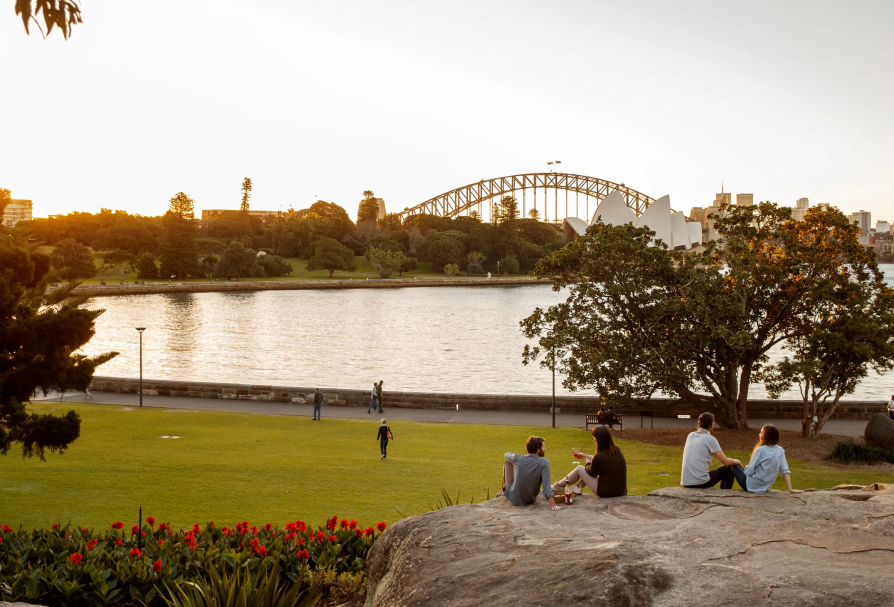
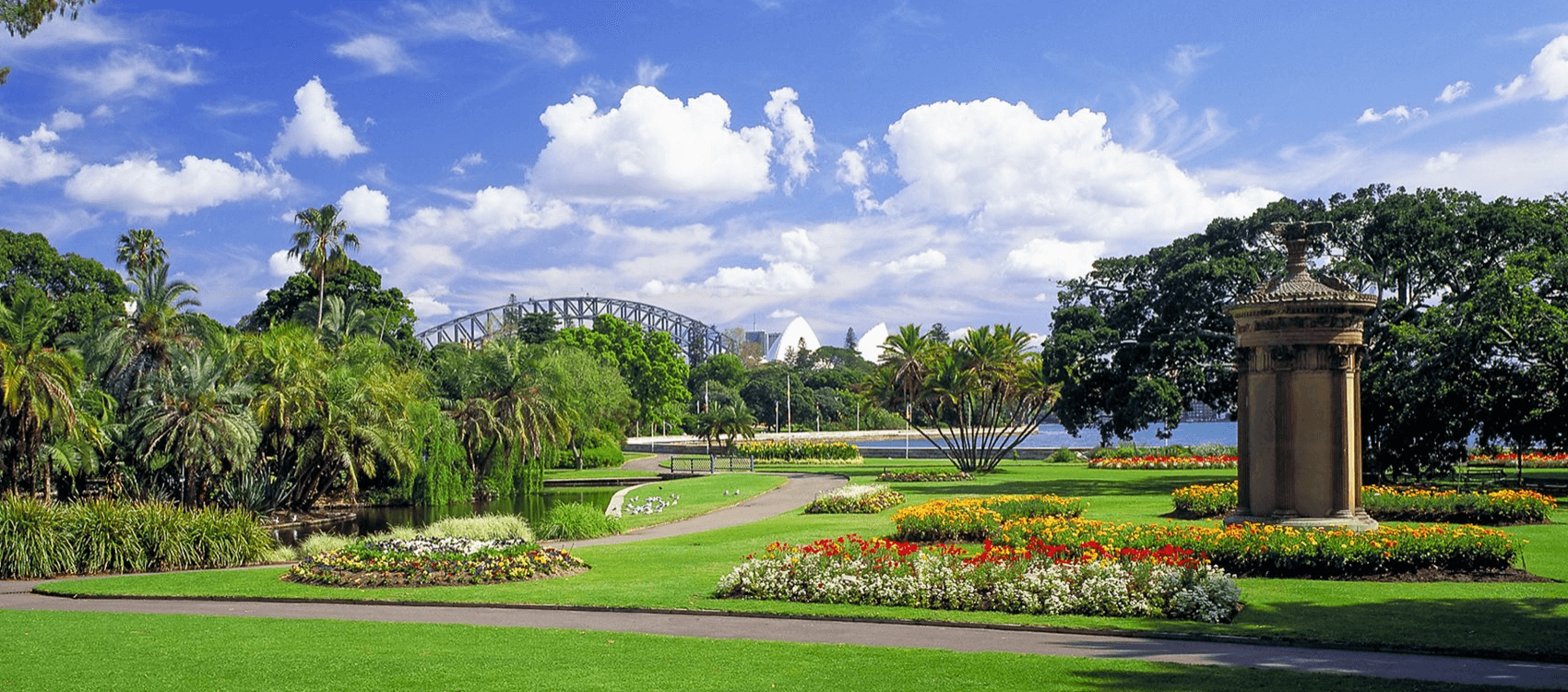
Views of the lawns at the Botanic Gardens with the Harbour Bridge in the background
This is a caption with an Off-White (grey) background colour.

Media - 70% width

Library at the Botanic Gardens of Sydney
This is a caption with no background colour.

Media - 60% width

Views of the lawns at the Botanic Gardens with the Harbour Bridge in the background
Views of the lawns from the Royal Botanic Gardens Sydney, overlooking the Harbour Bridge